Supported Kafka Connections
GlassFlow supports connecting to Kafka clusters with multiple protocols and authentication methods. This page lists the supported options and how to configure them.
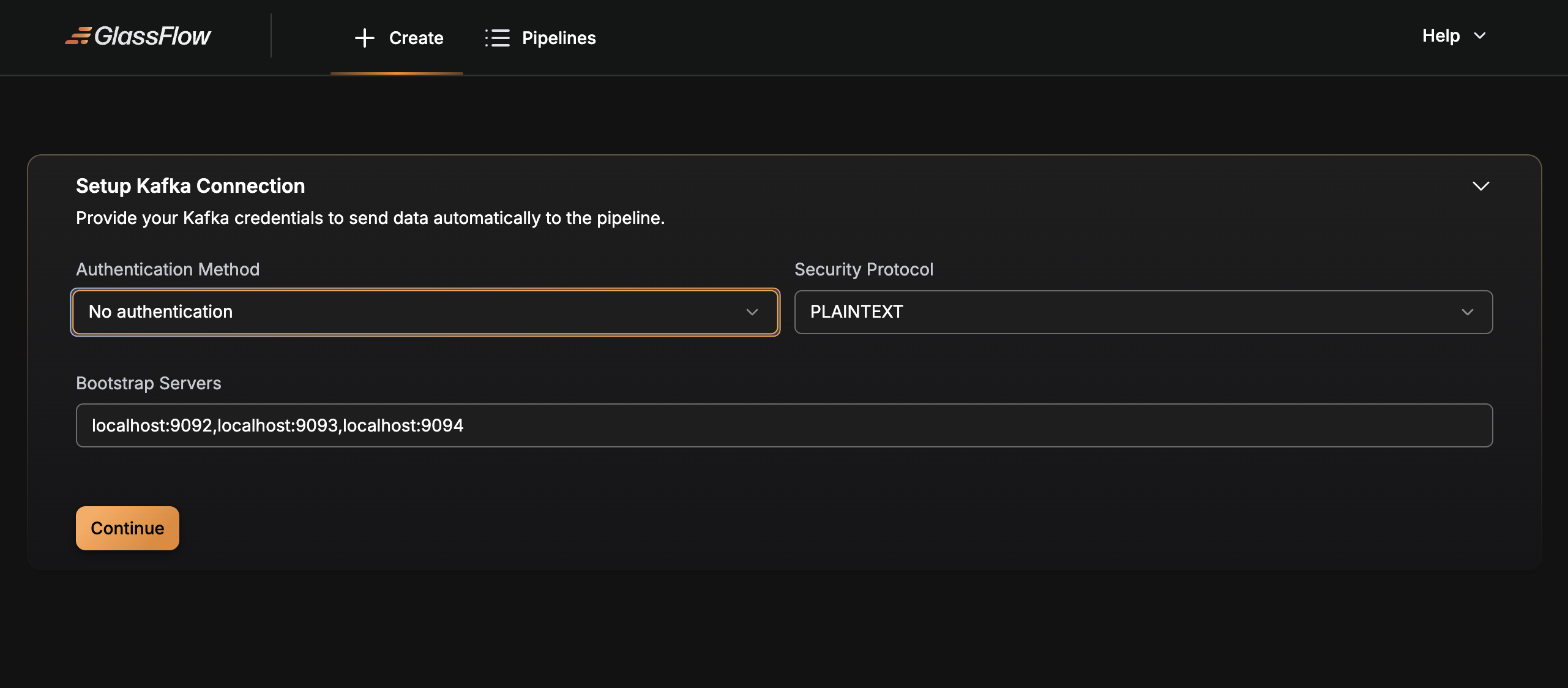
Configuration examples below refer to the pipeline source connection parameters. You can configure these via the Web UI or API.
Connection Protocols
Set the Security Protocol (protocol) according to your broker configuration:
- PLAINTEXT
- SASL_PLAINTEXT
- SSL
- SASL_SSL
SASL Authentication
Set one of the following Authentication Methods (mechanism):
- NO_AUTH
- PLAIN
- SCRAM-SHA-256
- SCRAM-SHA-512
- GSSAPI
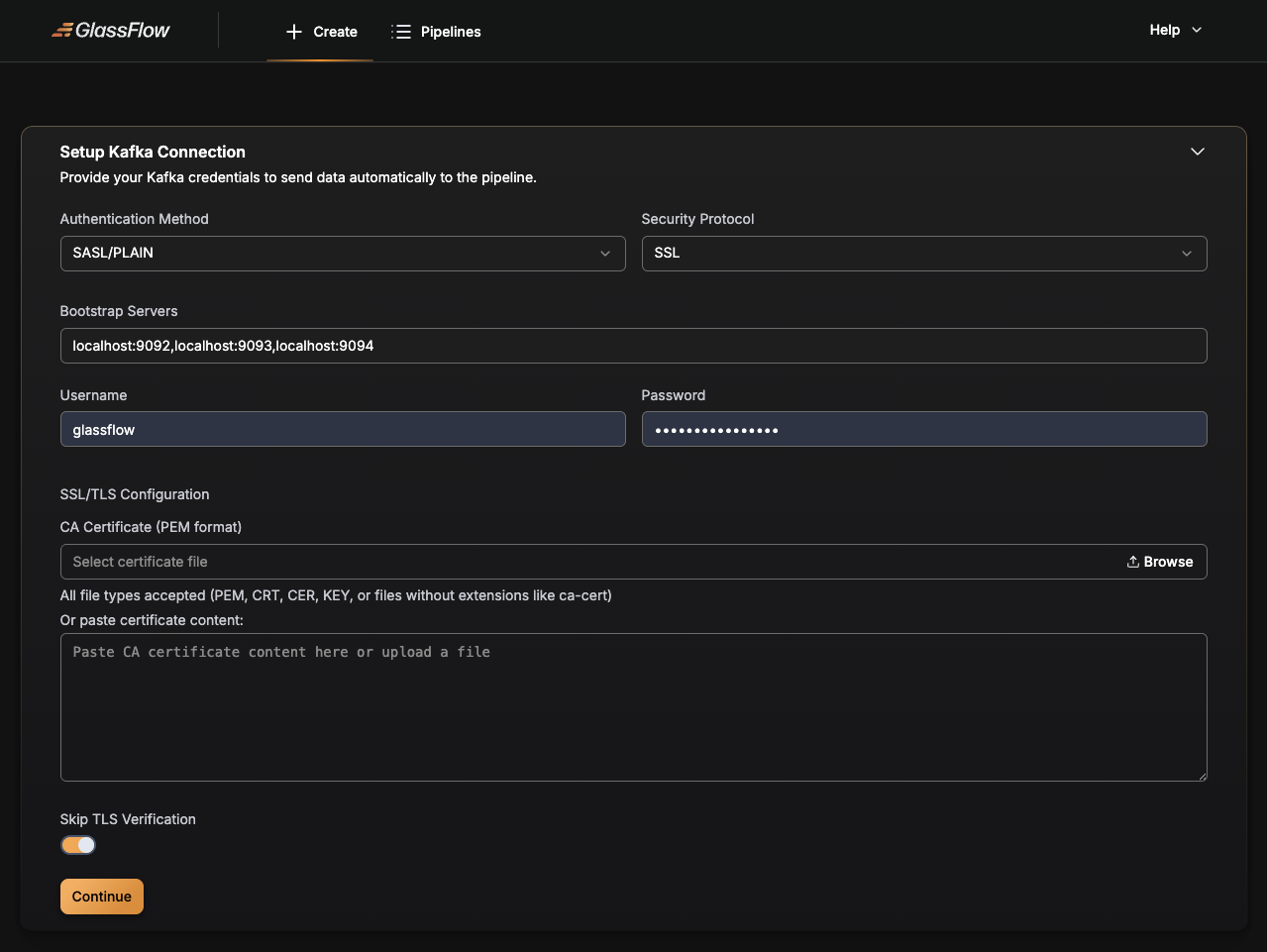
One can disable authentication entirely by using the mechanism NO_AUTH (On the UI is called “No authentication”). It is also possible to skip TLS verification by using the skip_tls_verification flag.
When authentication is enabled, the following fields are required:
mechanism(one of the above)usernamepassword
For GSSAPI (Kerberos) authentication, different fields are required. See the SASL/GSSAPI (Kerberos) section below for details.
TLS Configuration
Enable TLS via protocol SSL/SASL_SSL and optionally supply root_ca to trust a custom CA.
Client certificate authentication (mTLS) is not supported.
Example Configurations
PLAINTEXT (no auth)
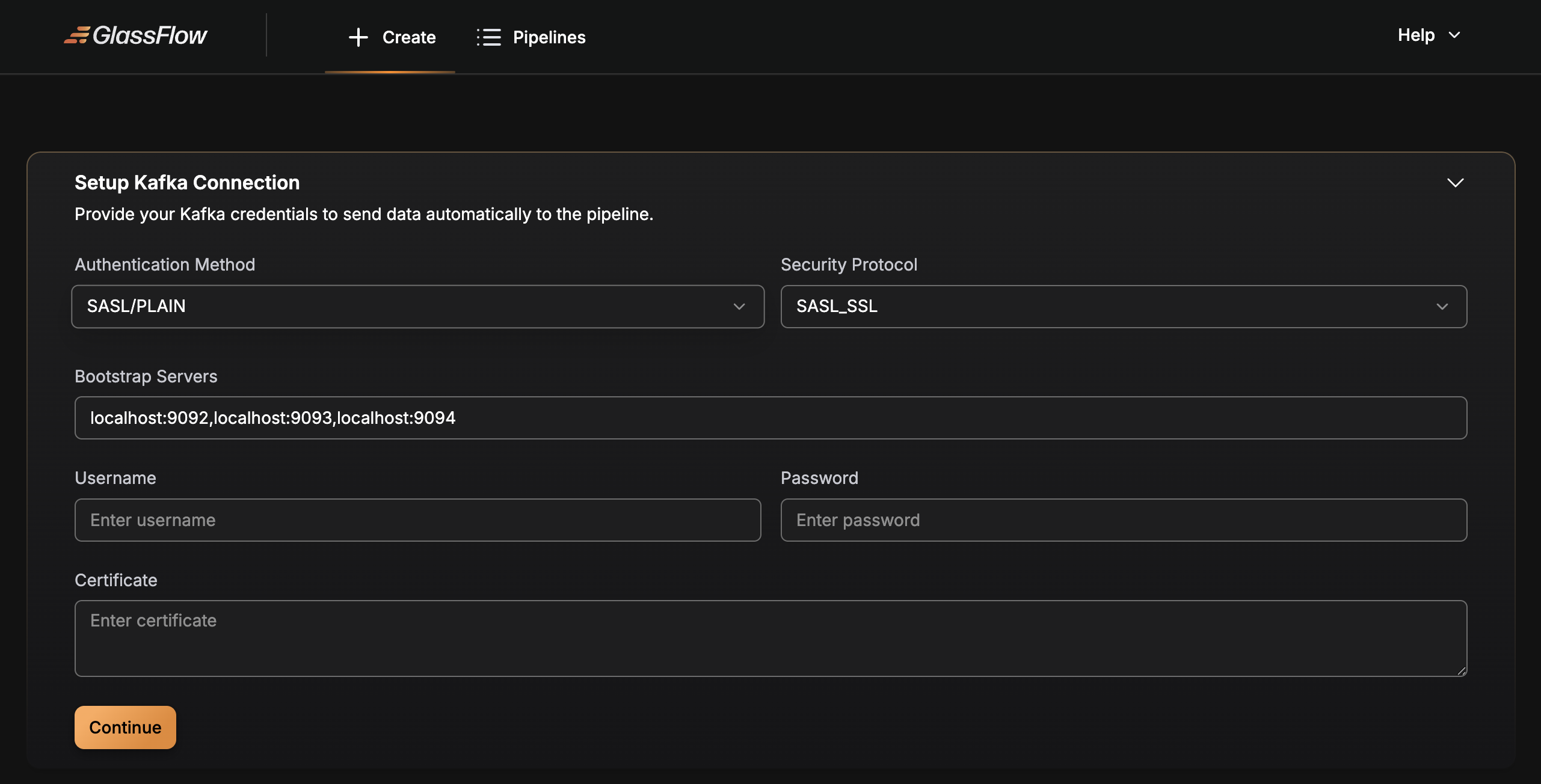
SASL/PLAIN over TLS
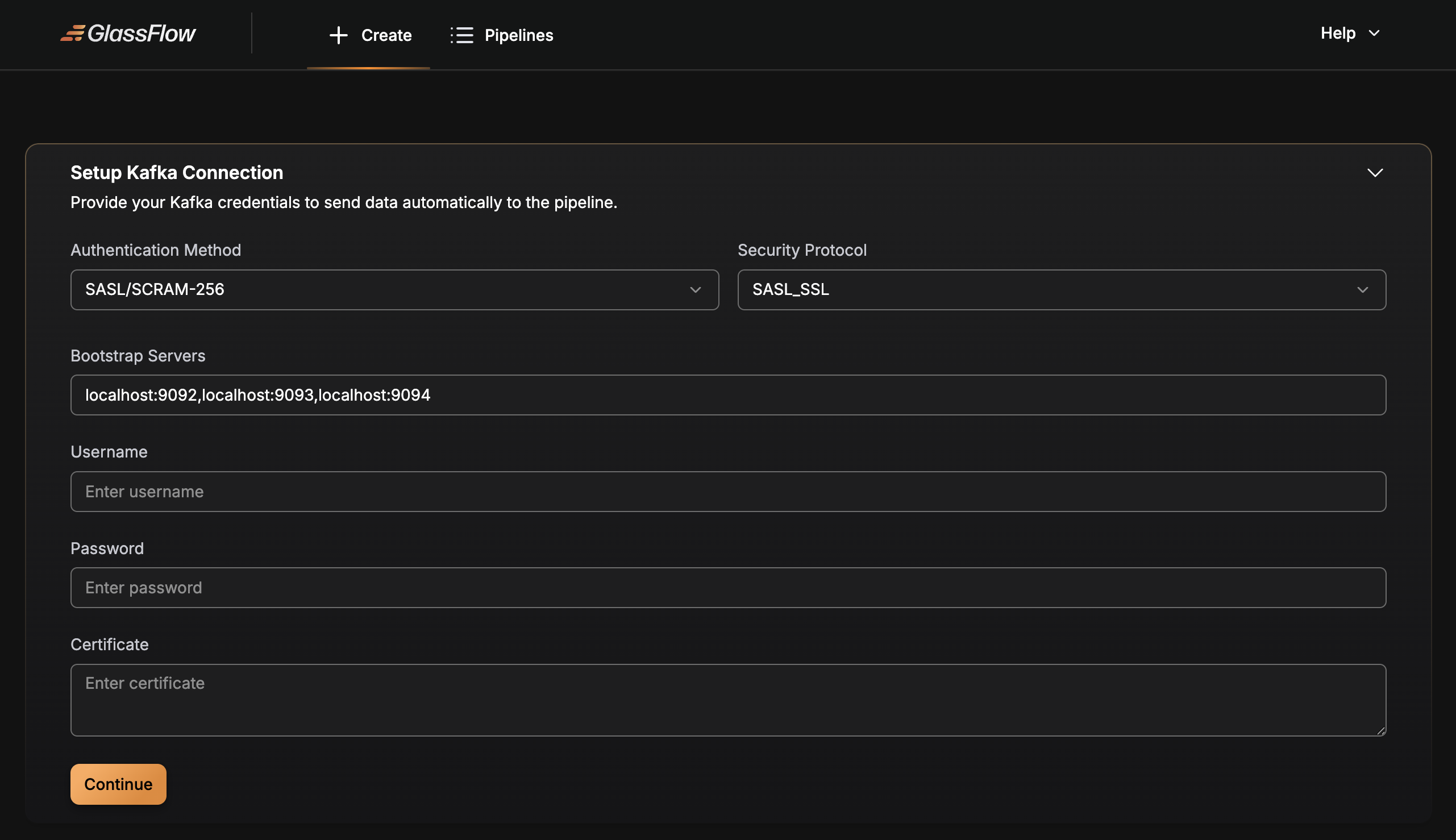
SASL/SCRAM-SHA-256
SASL/GSSAPI (Kerberos)
GlassFlow supports Kerberos authentication (GSSAPI) for connecting to Kafka clusters secured with Kerberos. This is commonly used in enterprise environments.
Required fields for GSSAPI:
mechanism:"GSSAPI"username: Kerberos principal (e.g.,"[email protected]")kerberos_service_name: Service name (typically"kafka")kerberos_realm: Kerberos realm (e.g.,"EXAMPLE.COM")kerberos_keytab: Base64-encoded keytab file contentkerberos_config: Kerberos configuration (krb5.conf format)
Optional fields:
password: Required only if using password-based authentication instead of keytab
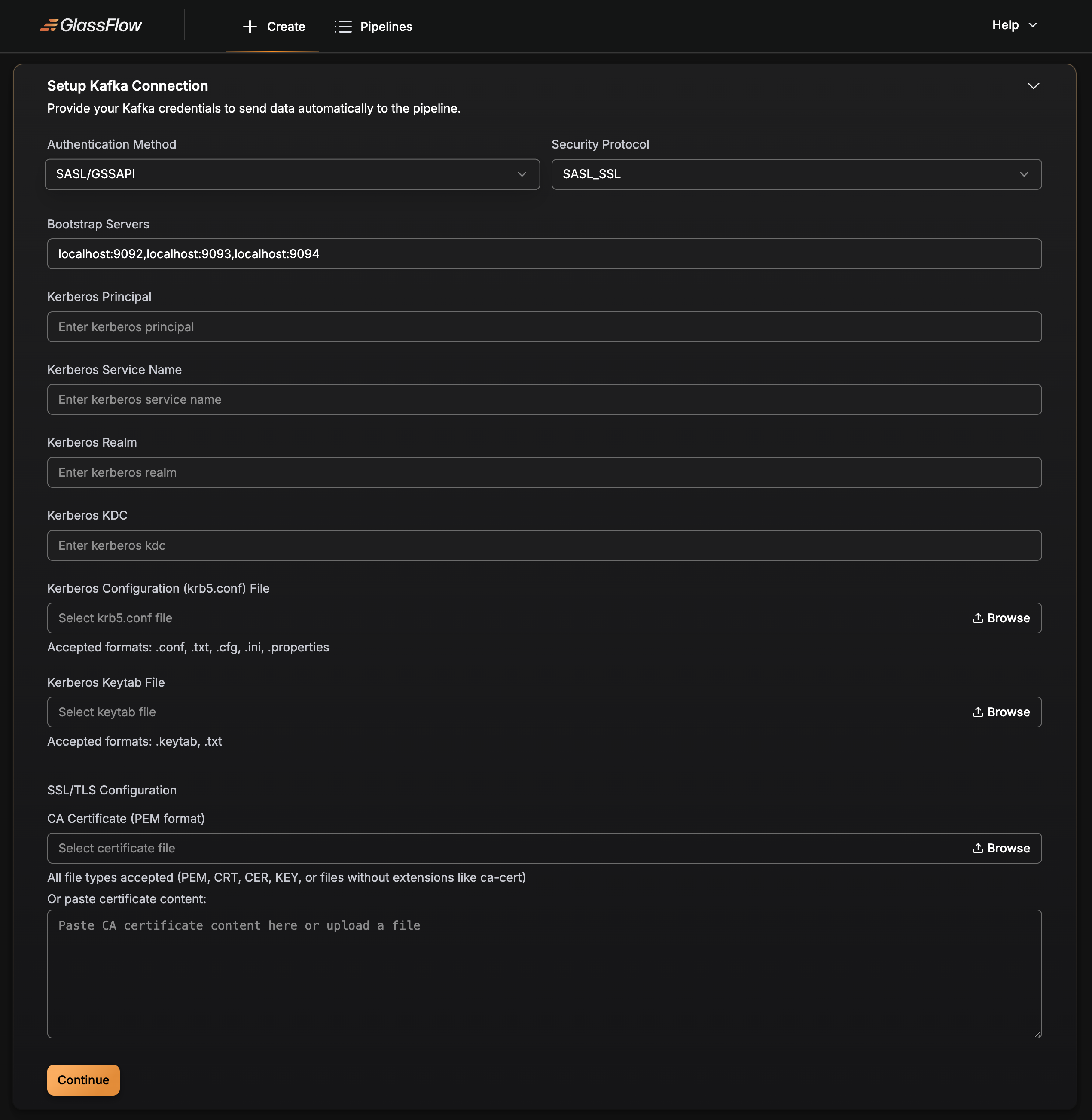
The kerberos_keytab field should contain the base64-encoded content of your keytab file. The kerberos_config field should contain the contents of your krb5.conf file, which typically includes realm and KDC (Key Distribution Center) configuration.